
Welcome & Account Setup
Create your account and get started with ToughTail™.
App Tutorials
Quick tutorials covering every ToughTail™ feature. Each walkthrough is short so you can learn at your own pace.
Create an account, add your pet, and set up your device.
Create your account and get started with ToughTail™.

Add your pet's profile with photo and details.
Power on and connect your ToughTail™ device.
Tracking, activity, zones, and alerts—the essentials.
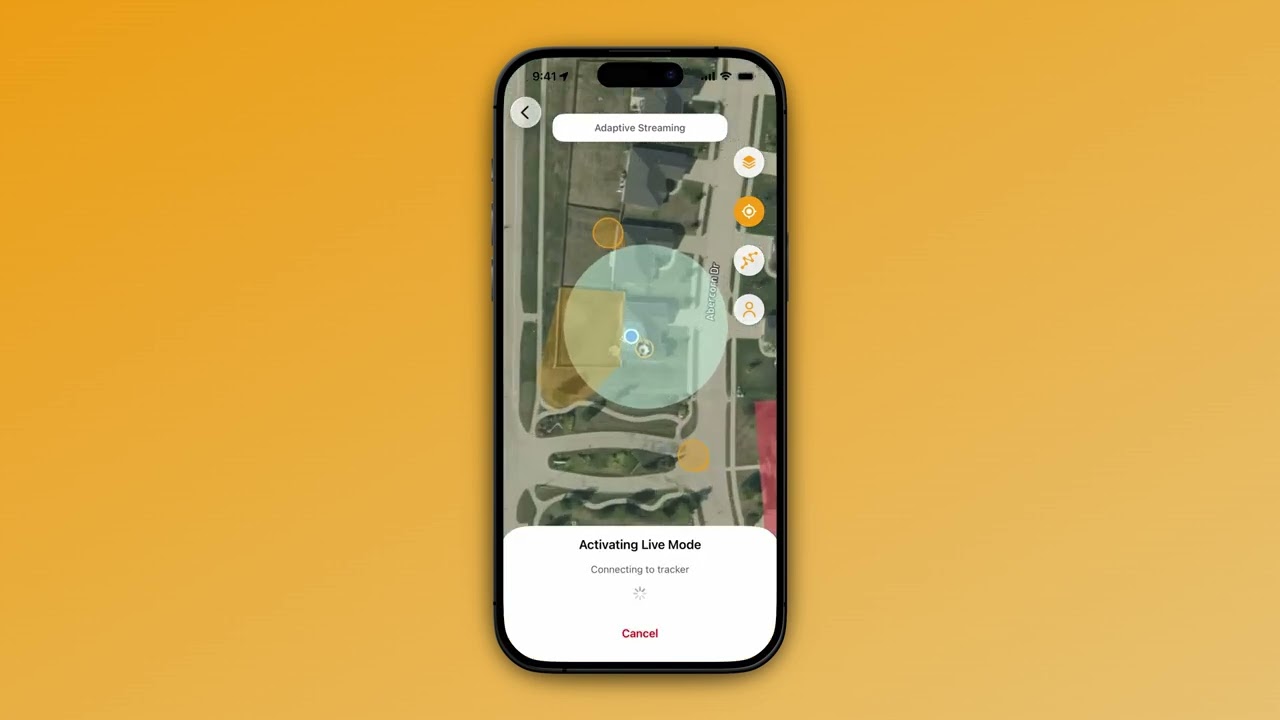
Track your pet's location in real time on the map.
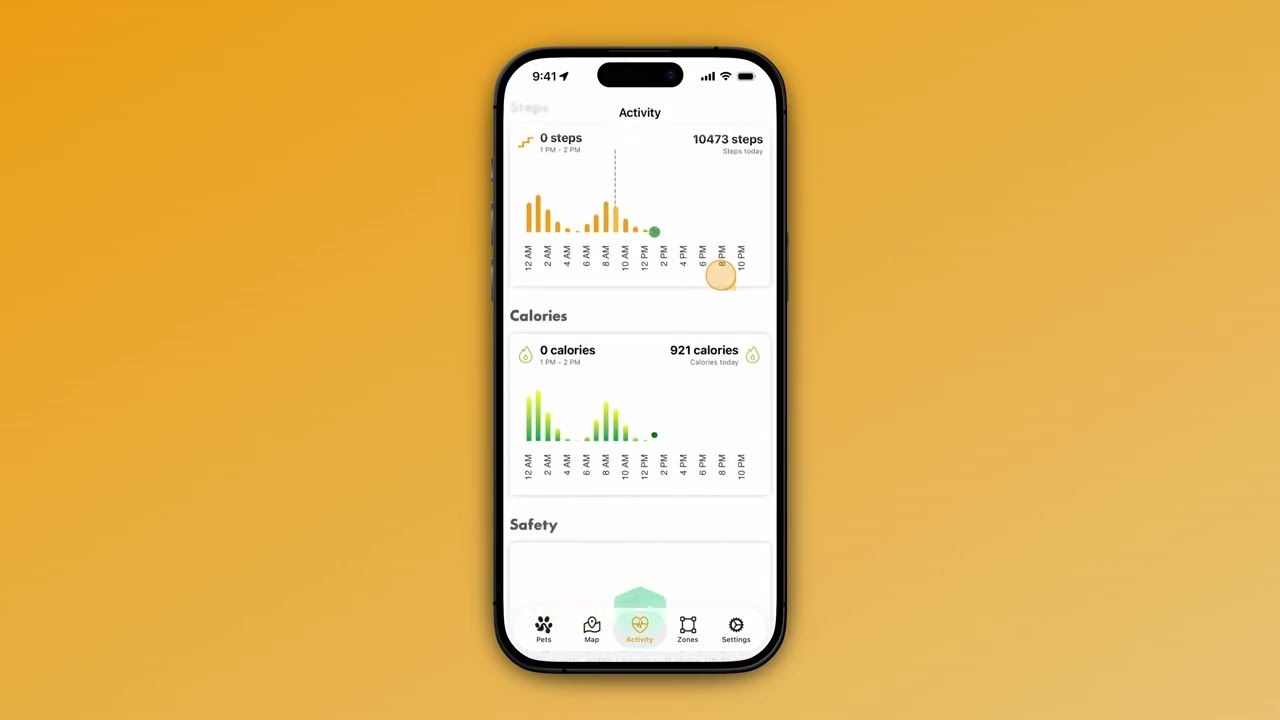
Monitor daily activity levels and wellness trends.
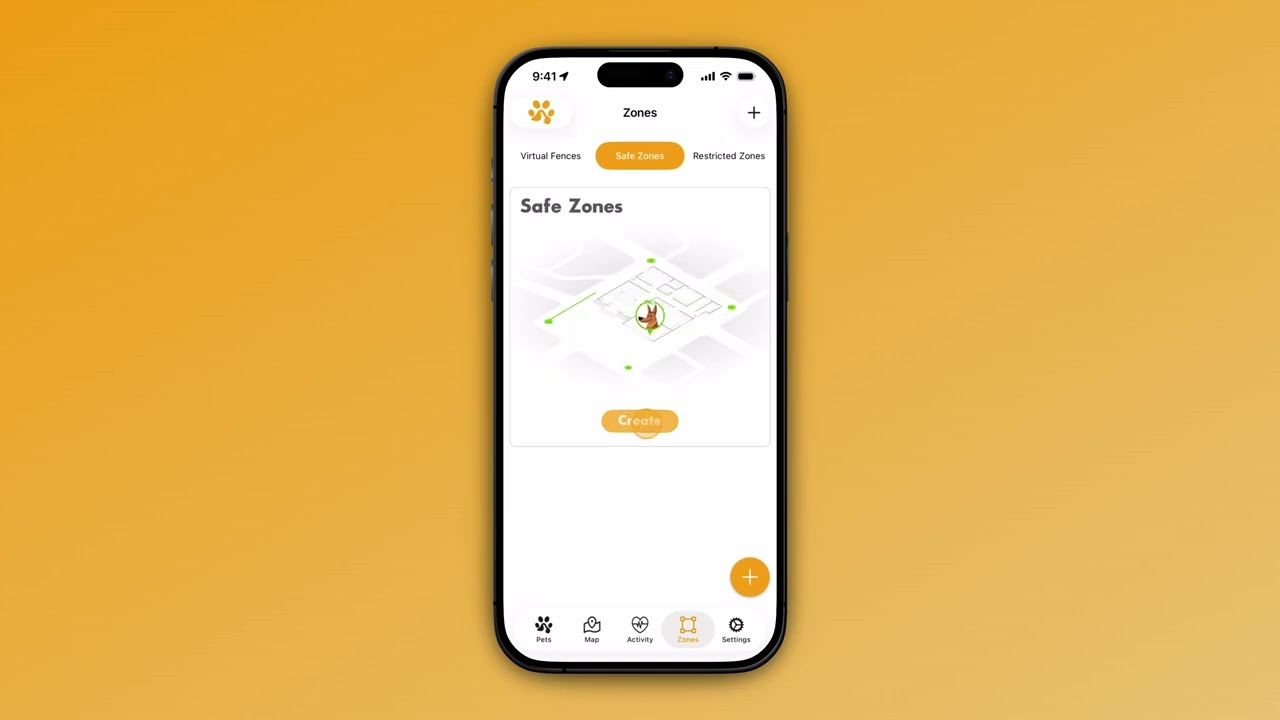
Set up safe zones for power saving and escape alerts.
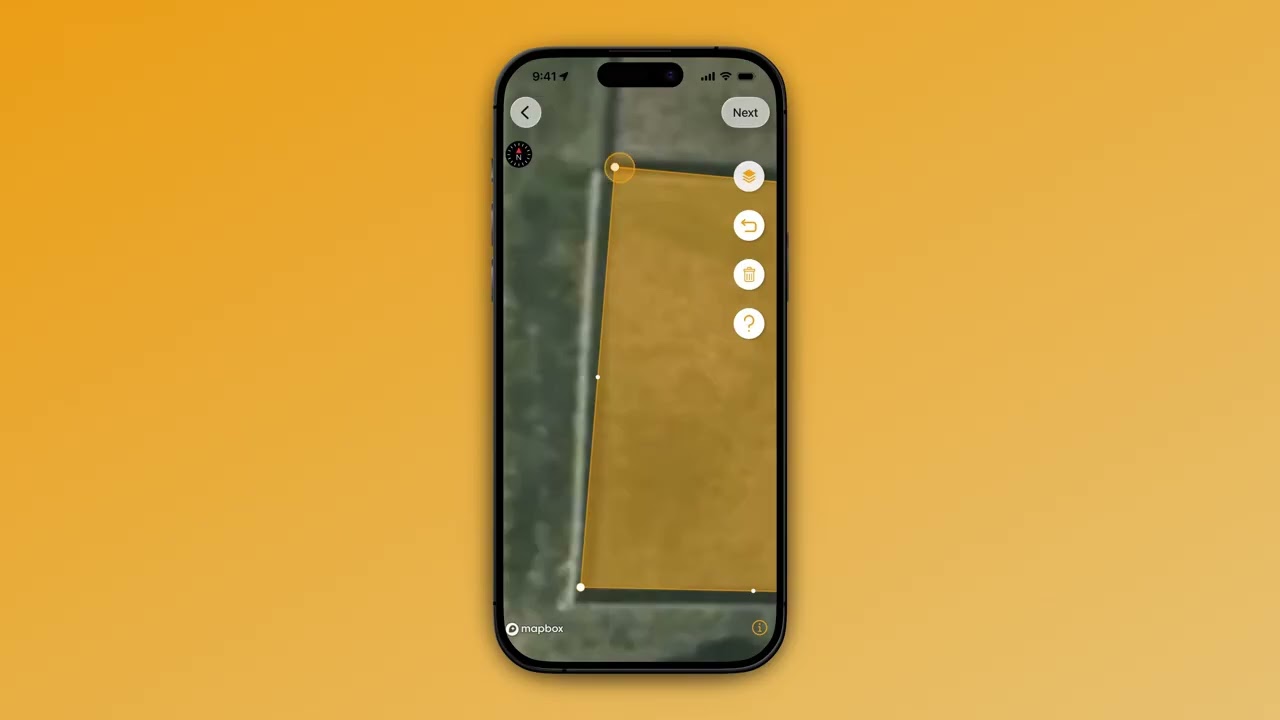
Draw custom boundaries to monitor your pet.
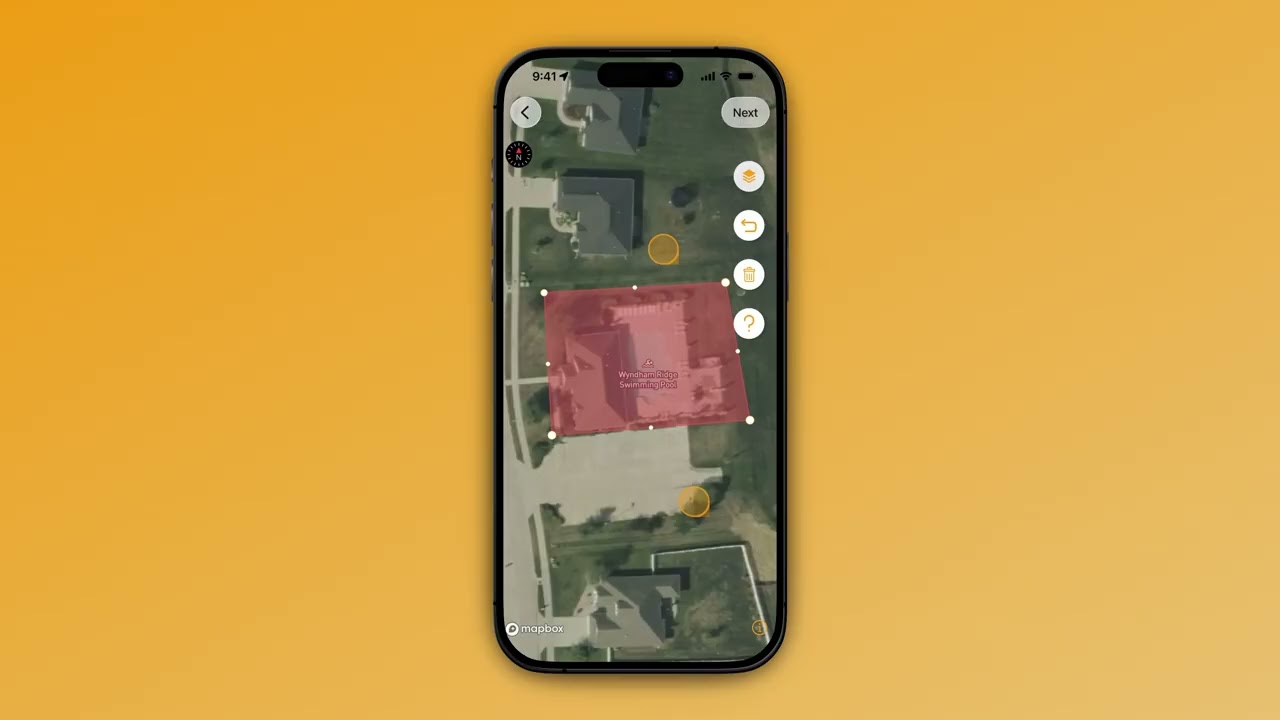
Mark off-limits areas for instant alerts.
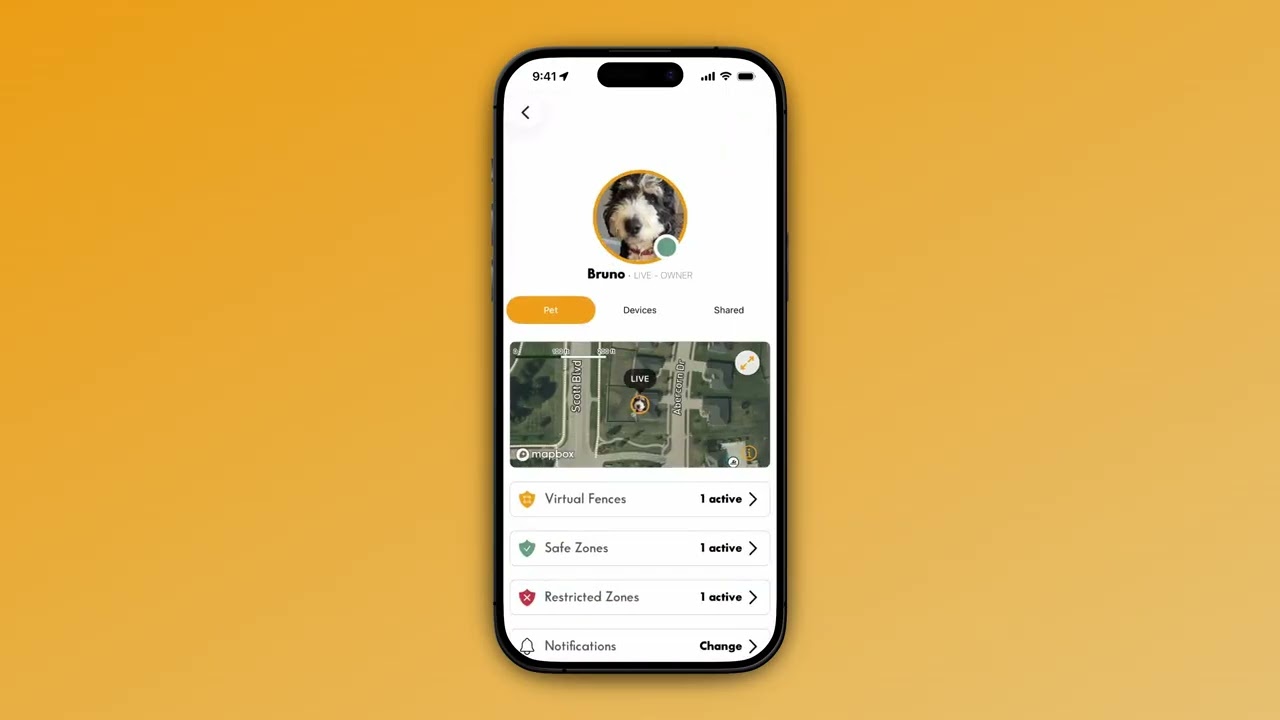
Customize your notification preferences.
Firmware, cellular plans, and device health.
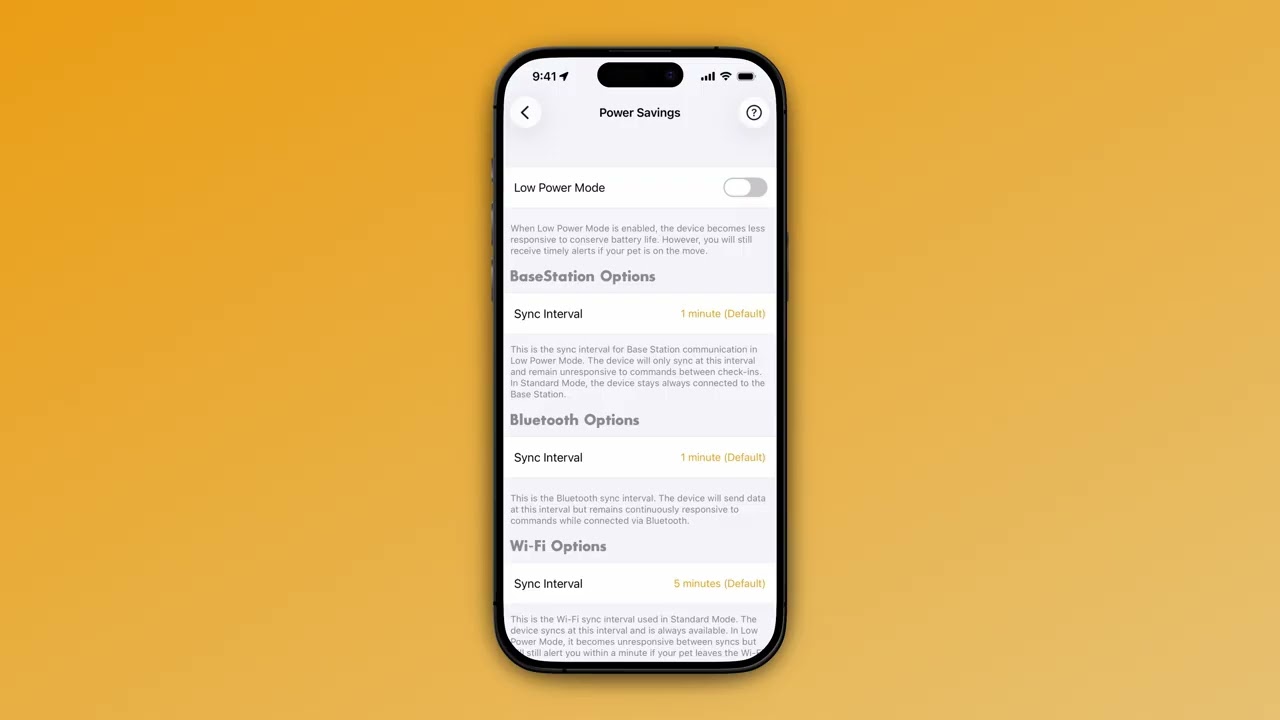
Manage firmware, battery, and device diagnostics.
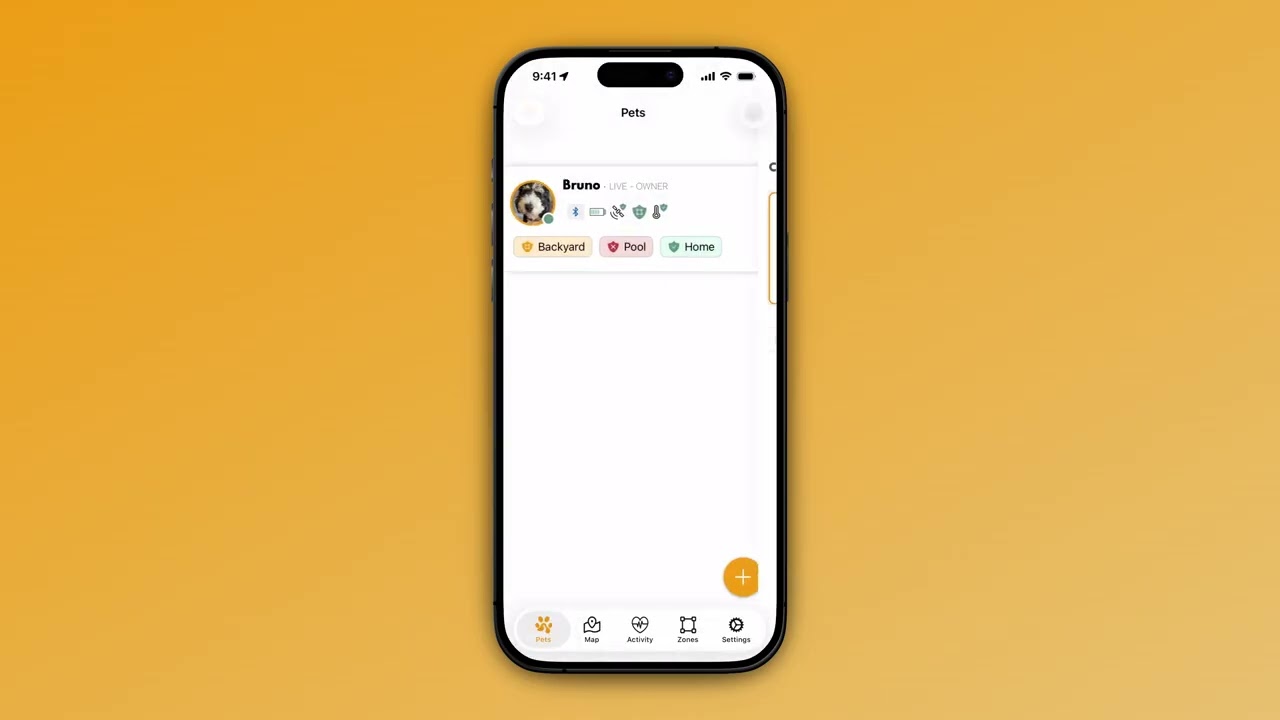
Activate and manage your cellular subscription.
Sharing, support, and power-user workflows.
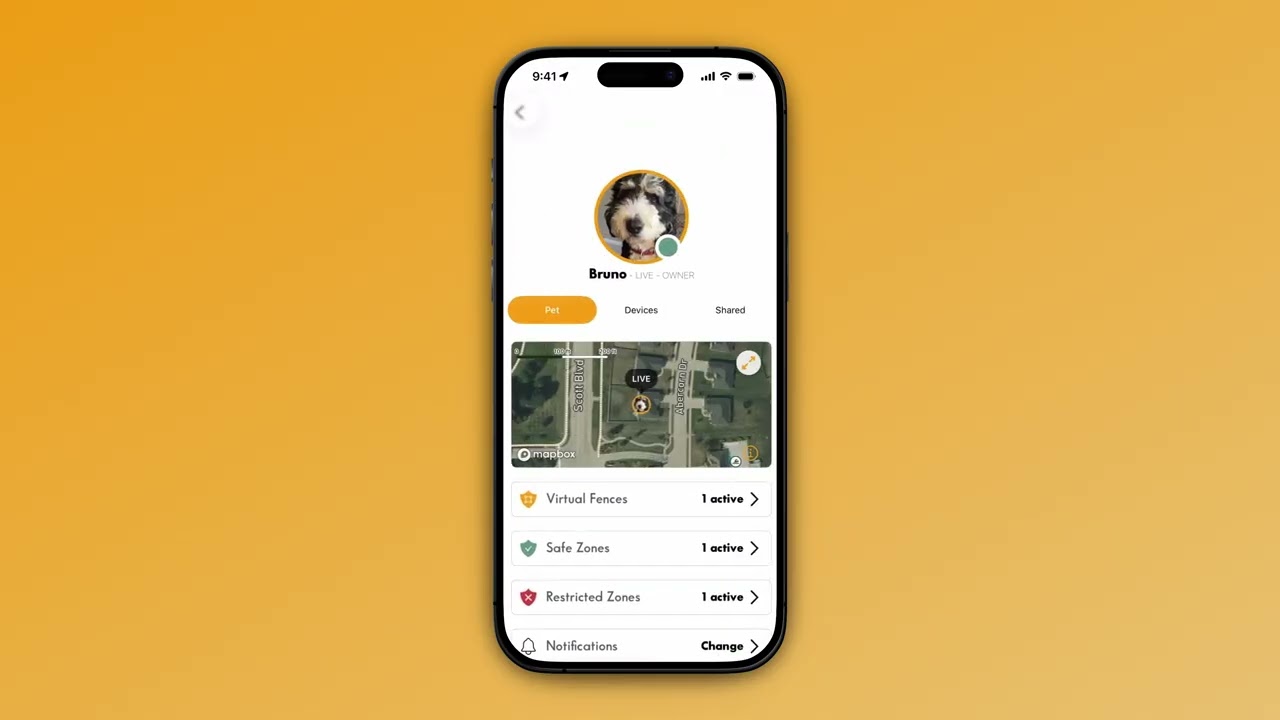
Share pet access with family members.
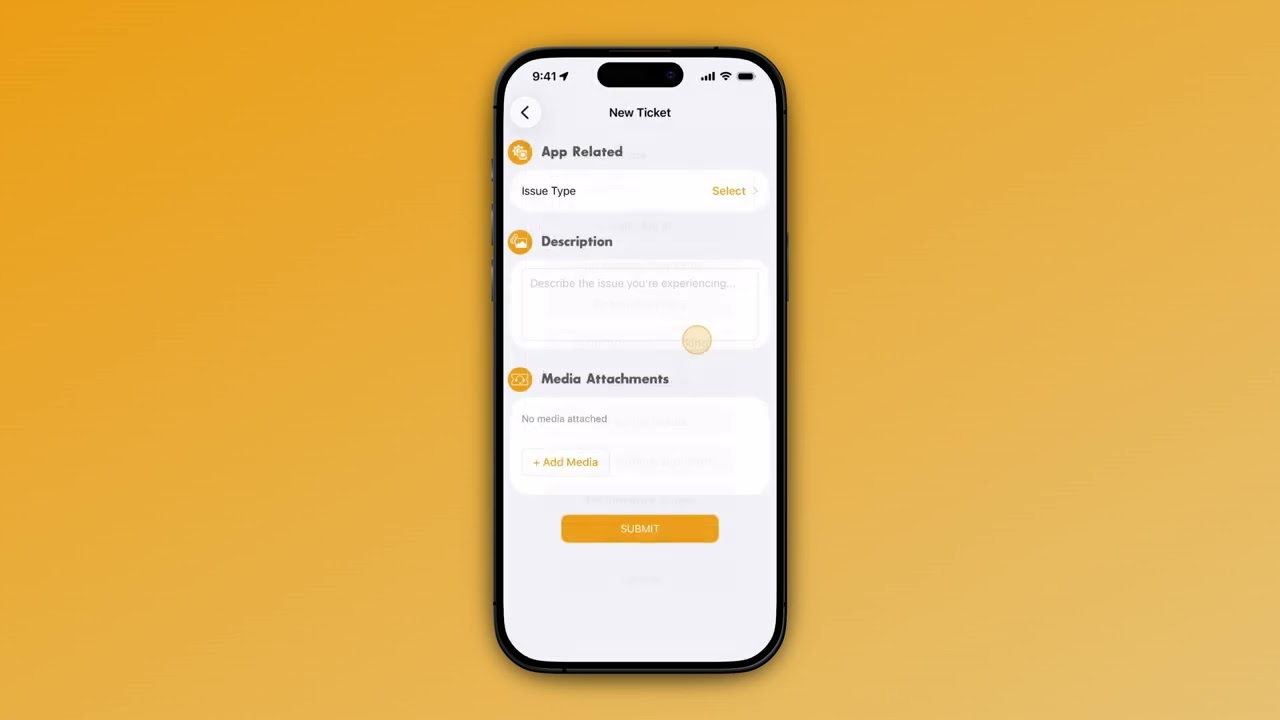
Get help from our in-app support tools.
Everything else—history, trails, controls, edits, and more.
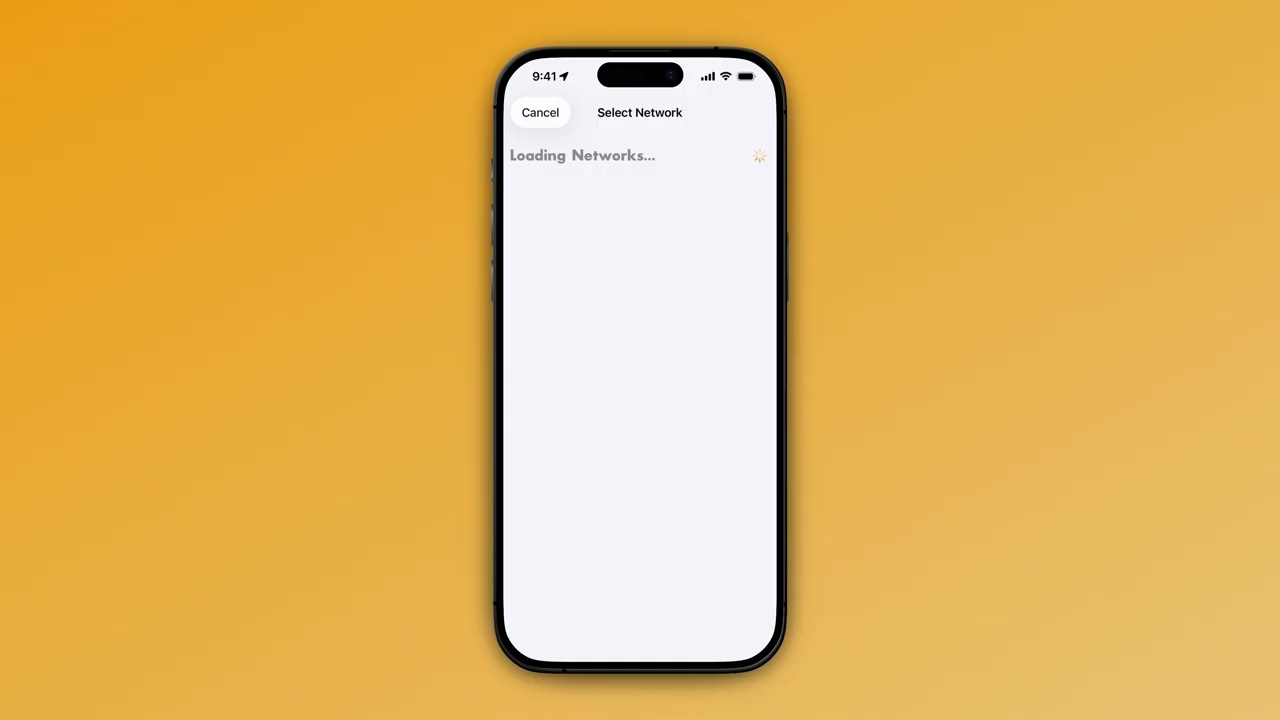
Set up your Base Station for indoor tracking.
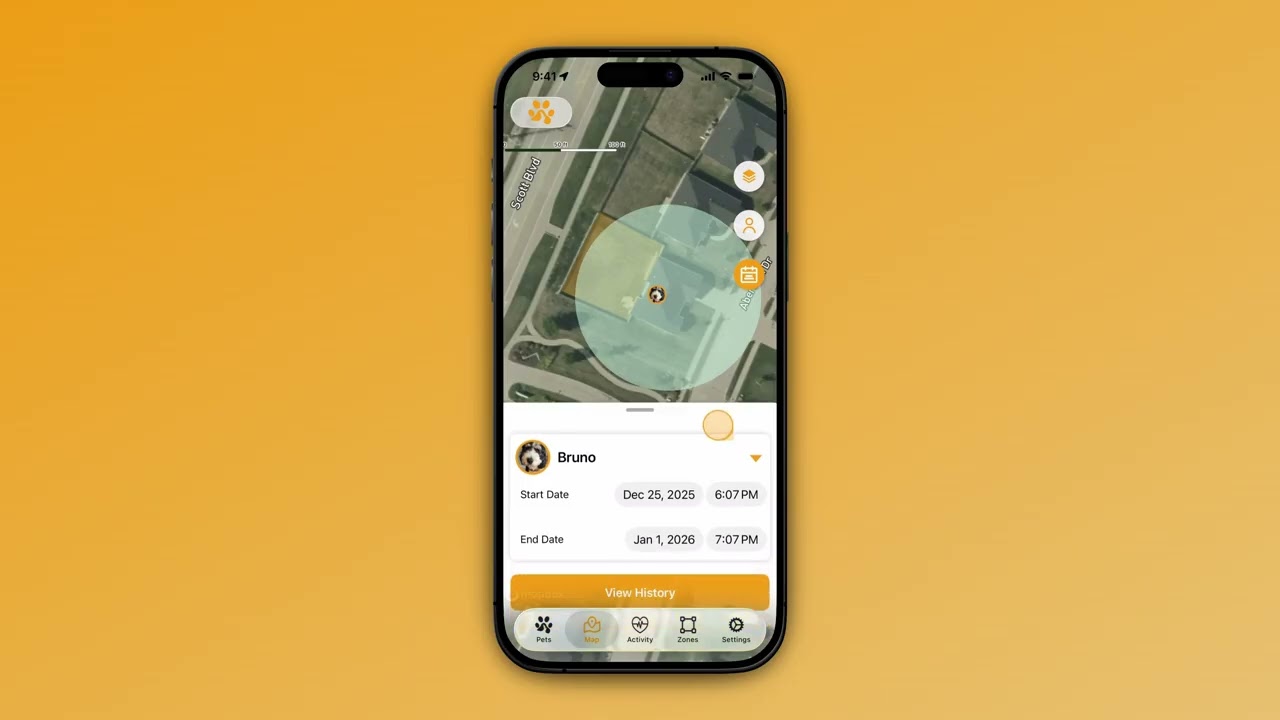
View past locations and movement history.
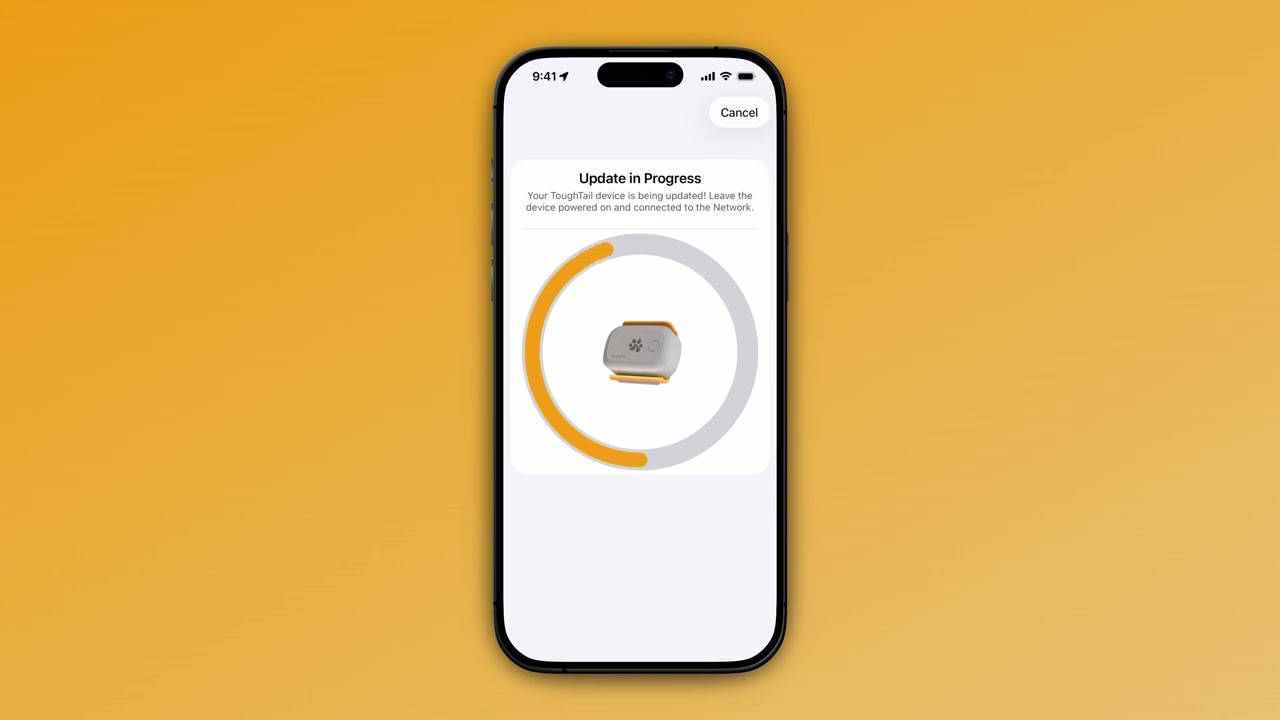
Keep your device up to date with the latest firmware.
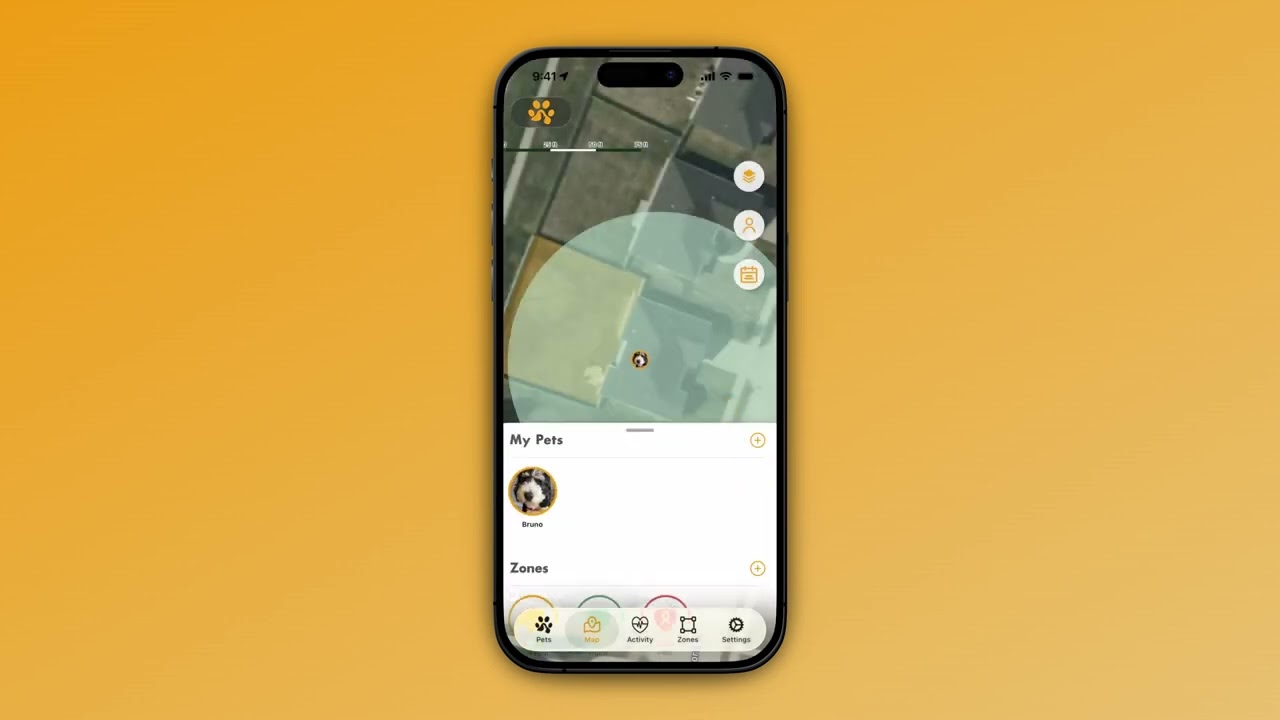
Use light and sound to locate your pet.
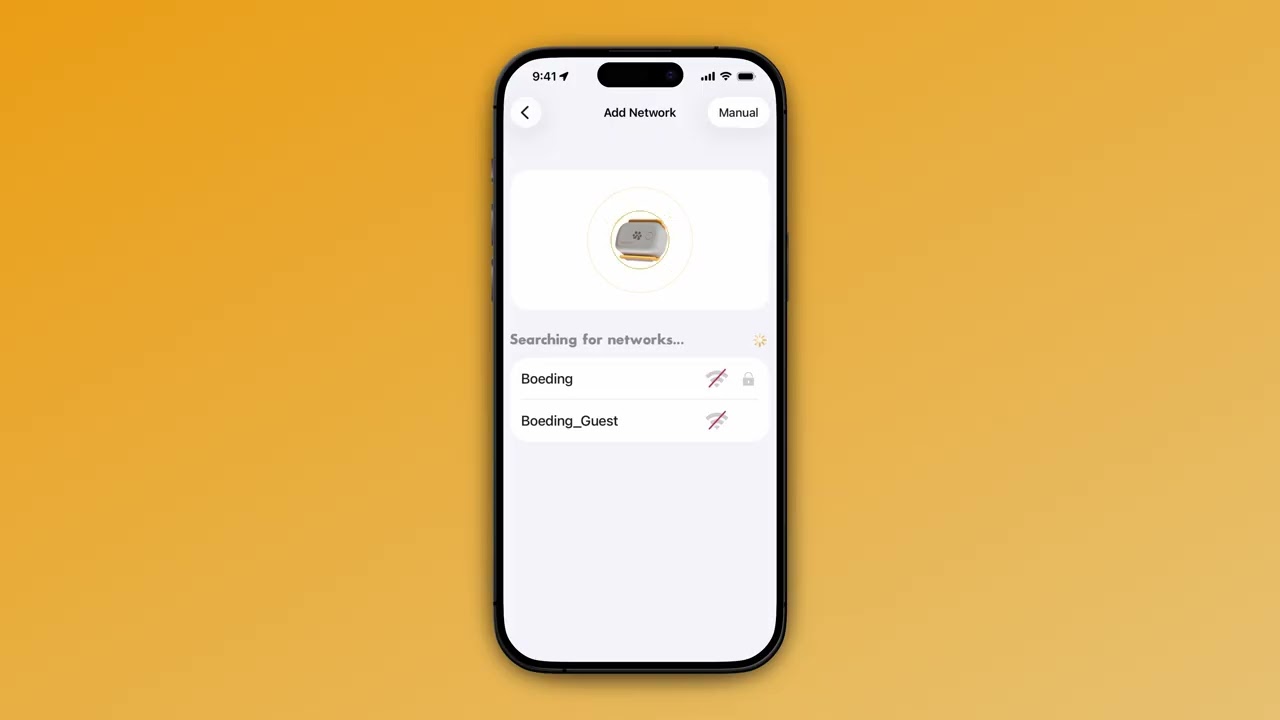
Add WiFi networks for better connectivity.
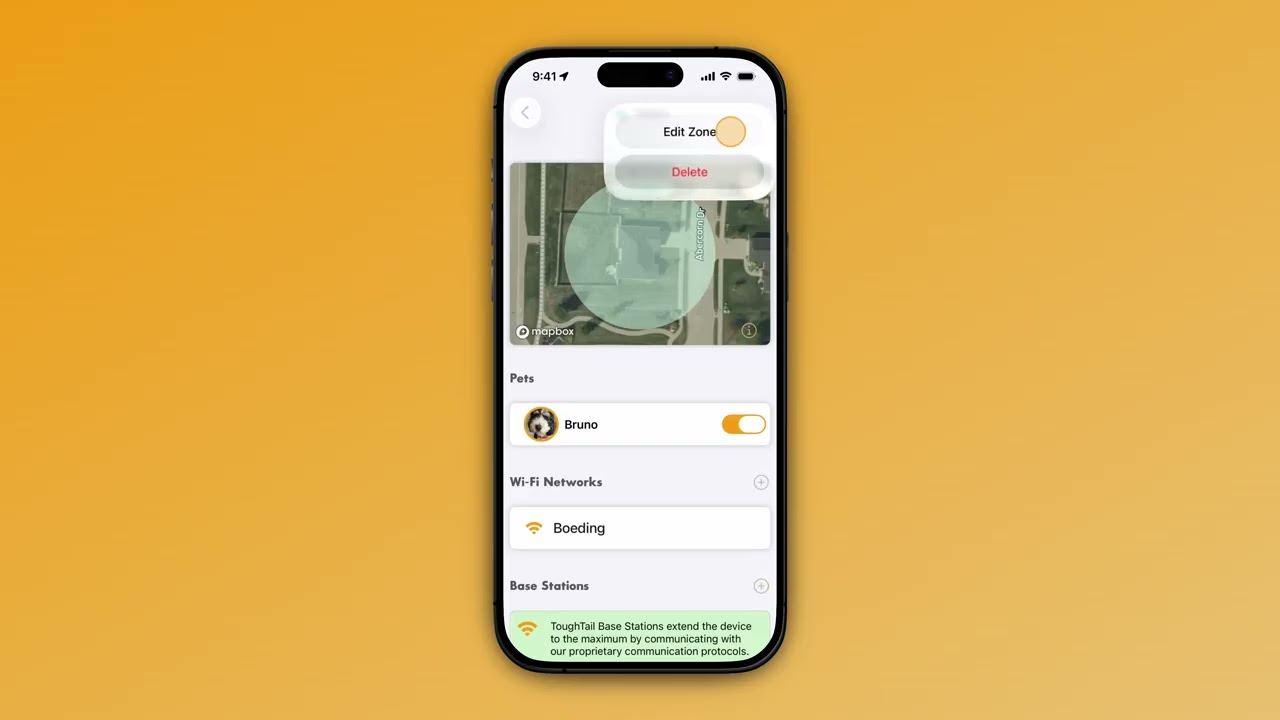
Edit or resize your existing safe zones.
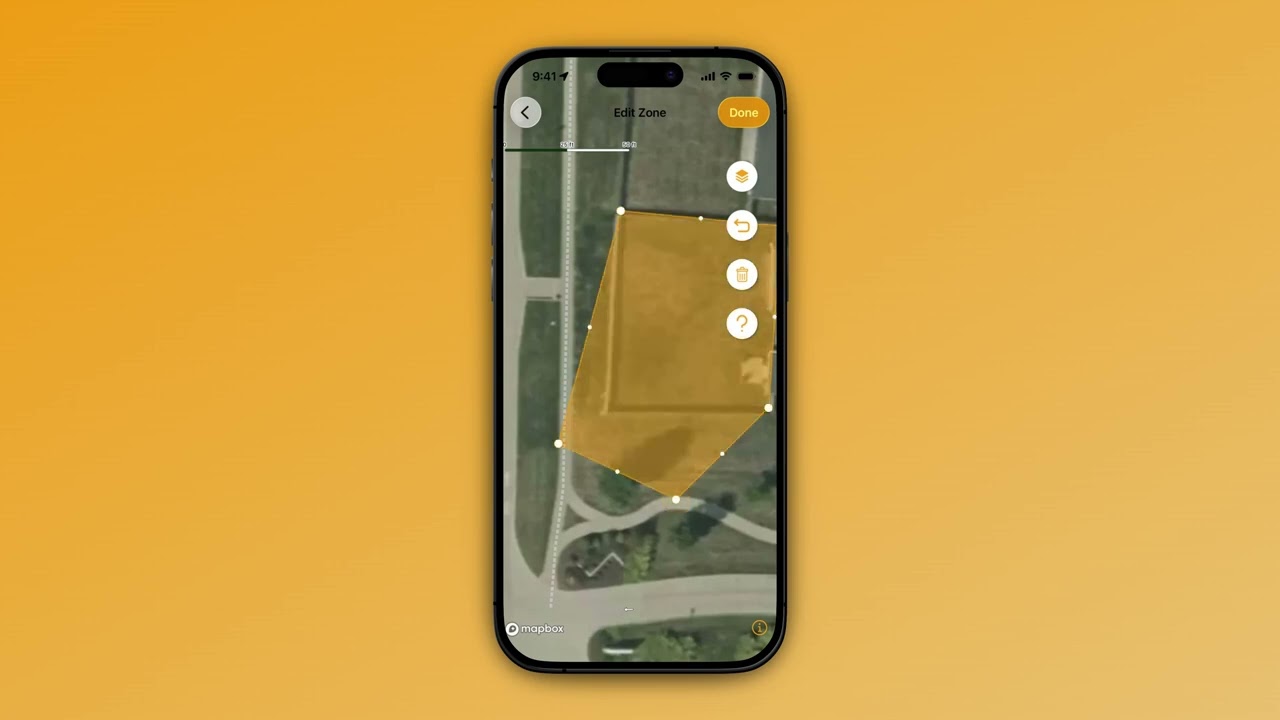
Adjust your virtual fence boundaries.
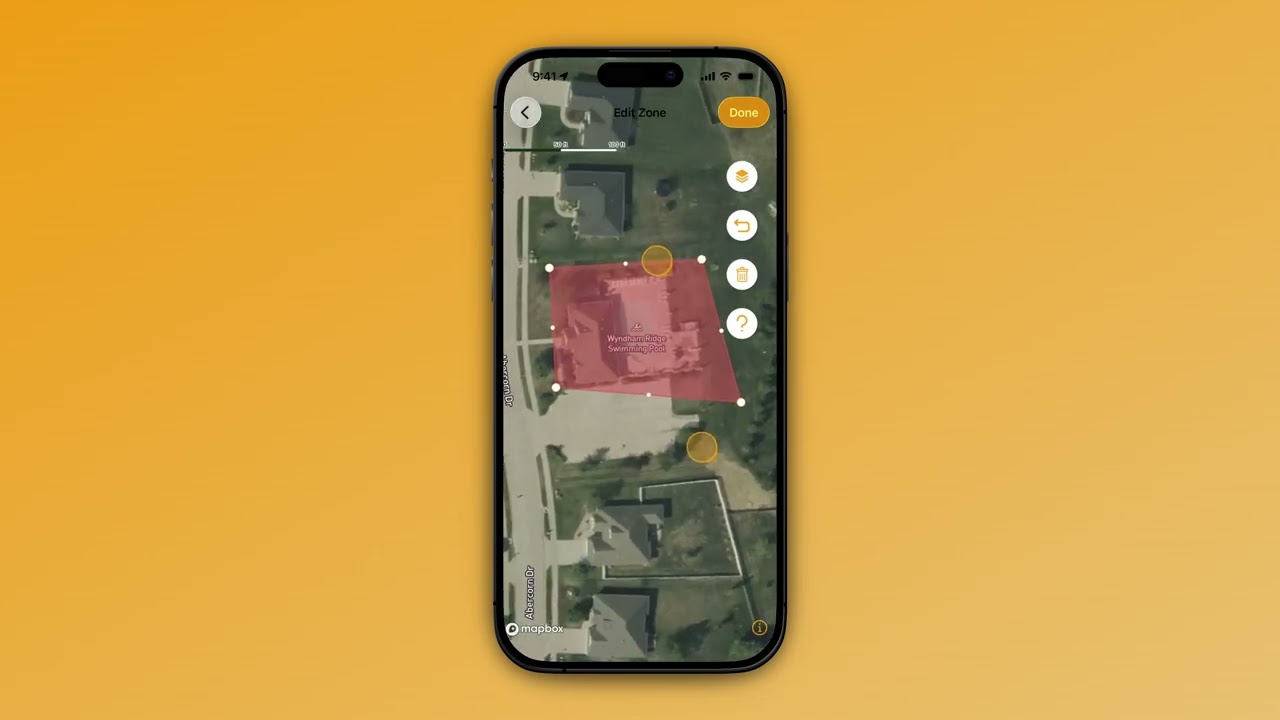
Modify your restricted zone settings.
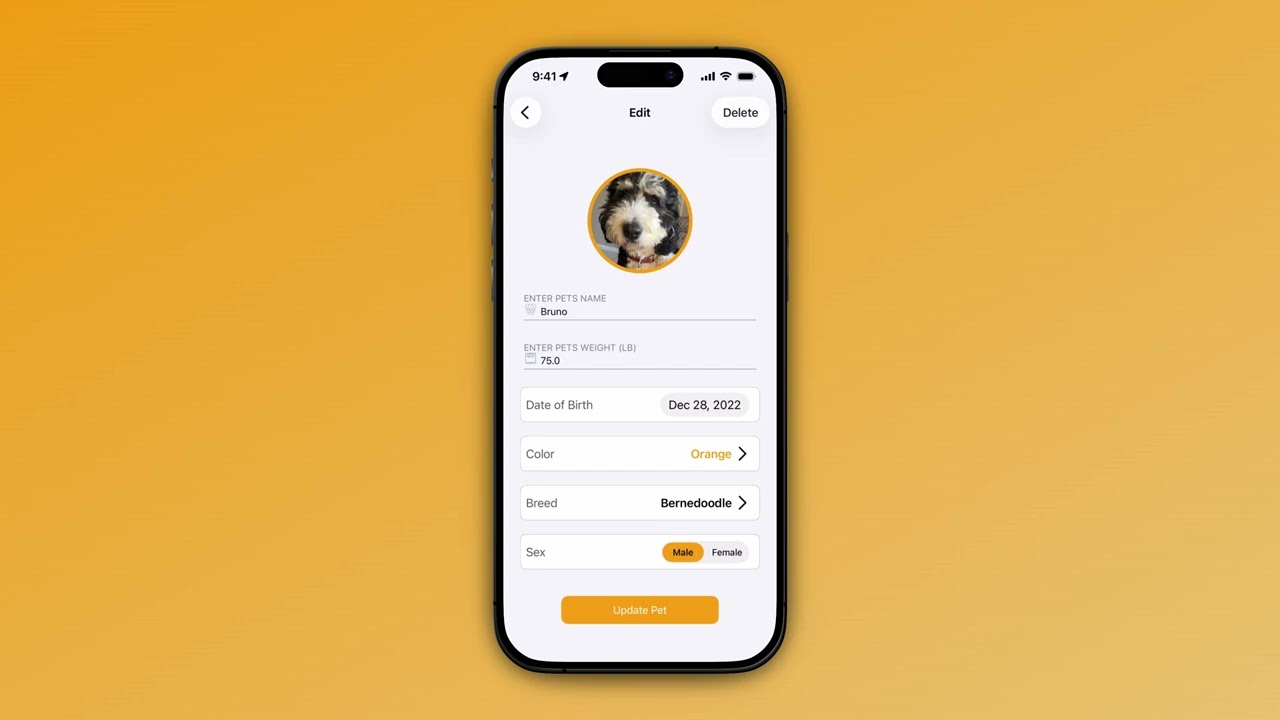
Update your pet's profile information.